Lost Tron Wallet Access: How to Recover It and Required Data Guide
A detailed guide to restoring access to a Tron (TRX) wallet: what data is required and what to do if you lose your password, seed phrase, or private key.
Lost Access to Your Tron Wallet: What to Do
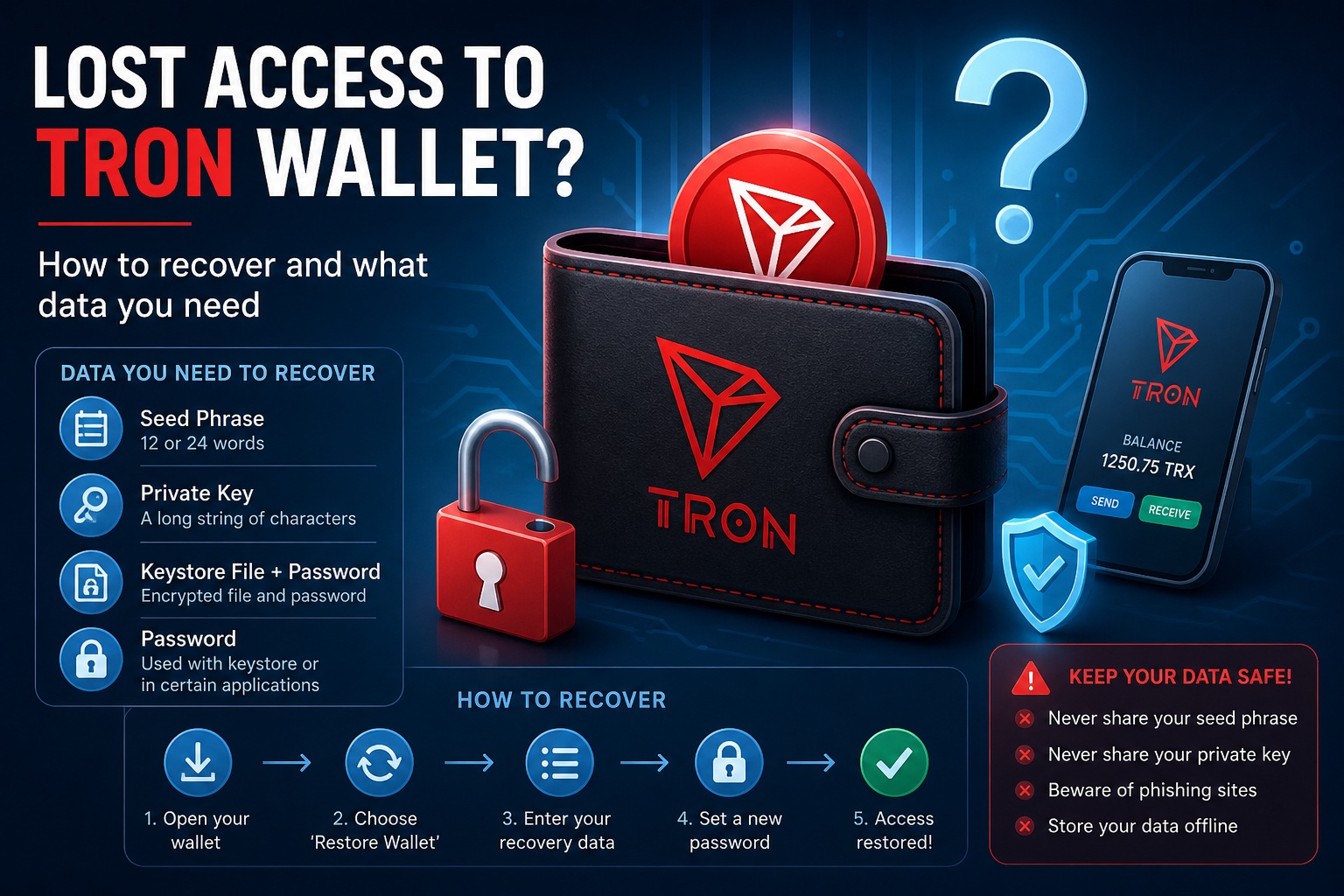
Losing access to a cryptocurrency wallet is one of the most common issues among users of the Tron blockchain. Unlike traditional banks, there is no support service that can simply “reset your password.” Access can only be restored if you have certain critical data.
Let’s go through the available recovery options and what exactly you’ll need.
What Data Is Required to Recover a Tron Wallet
To restore access to your Tron wallet, you need at least one of the following:
1. Seed Phrase (Mnemonic Phrase)
This is the primary recovery method.
Usually consists of 12 or 24 words Generated when the wallet is created Allows full wallet recovery
👉 If you have your seed phrase, you can almost certainly recover your wallet.
2. Private Key
An alternative to the seed phrase.
A long string of characters Provides full access to your funds Must be stored securely 3. Keystore File + Password
Used in some wallets.
An encrypted file Requires the password you created during setup 4. Password (Not Always Sufficient)
It’s important to understand:
❗ A password alone does NOT restore a wallet It is only used together with a keystore file or within specific applications
How to Recover a Tron Wallet: Step-by-Step Method 1: Using a Seed Phrase Open your wallet (e.g., TronLink or another app) Select “Restore Wallet” Enter your seed phrase in the correct order Set a new password
✅ Access will be restored
Method 2: Using a Private Key Choose the wallet import option Paste your private key Confirm access
⚠️ Never enter your private key on suspicious websites
Method 3: Using a Keystore File Upload your keystore file Enter your password Gain access to your wallet What If You Didn’t Save Anything
If you don’t have:
Seed phrase Private key Keystore file
❌ Wallet recovery is impossible
This is a fundamental feature of the Tron blockchain and cryptocurrencies in general — full decentralization means no recovery without your data.
Common User Mistakes Not saving the seed phrase during setup Storing data only on one device Sharing keys with third parties Falling for phishing websites How to Avoid Losing Access in the Future
✔ Write down your seed phrase on paper ✔ Store copies in multiple secure locations ✔ Avoid screenshots ✔ Use hardware wallets ✔ Always verify website URLs
Important Security Notice
Never share:
Seed phrase Private key Keystore file
Anyone with access to this information has full control over your funds.