How to send USDT to Multiple Wallets
One list, one USDT payment, no separate TronBid payout fee. If your wallet would burn TRX for every transfer, letting TronBid arrange Energy can cost less. Each recipient still gets the full amount you enter.
Estimate my list in Mass USDT Payouts
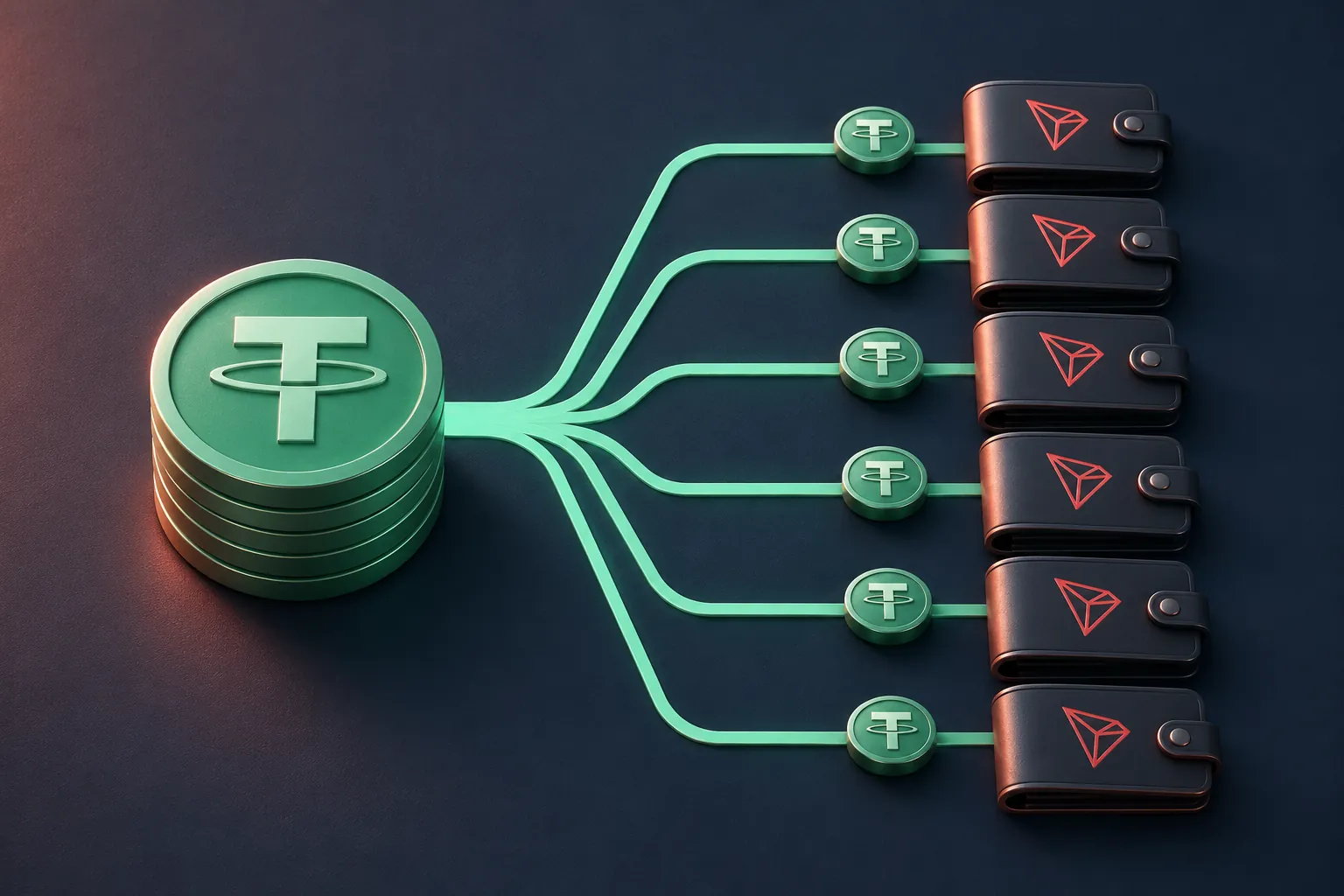
Where the saving comes from
A USDT TRC-20 transfer runs a smart contract. On TRON, Energy pays for that work; Bandwidth covers transaction data. A wallet short of Energy can burn TRX for the difference. TronBid arranges Energy for the outgoing payments and charges for that resource, not a percentage of the USDT or a separate payout service fee. This is not a zero-network-cost transfer.
Consider a payroll of 100 people owed 10 USDT each. In TronBid’s 19 November 2026 comparison, all 100 addresses were assumed active and already held USDT. At an assumed wallet quote of 6.50 TRX per send, the direct route cost 650 TRX. Using the lowest standard 65,000-Energy quote recorded that morning, 1.61 TRX per send, the payouts cost 161 TRX instead. That leaves 489 TRX saved on outgoing transfers (75.2%); the team still receives 1,000 USDT.
See TronBid’s dated breakdown of 100 transfers

Who actually needs a batch?
- A studio paying freelancers: put the editor’s 85 USDT and the illustrator’s 120 USDT on different rows. You approve one invoice instead of retyping each payment in your wallet.
- A marketplace settling sellers or issuing refunds: amounts can differ. Match the transaction ID on each completed row to the corresponding entry in your ledger.
- An affiliate manager paying commissions every Friday: export the approved list to CSV. If two rows belong to one partner, keep both only when you intend to send two transfers.
From a payout list to a receipt for each wallet
- 1Open Mass USDT Payouts. Paste one address:amount pair per line or import a two-column CSV (address, amount). Use TRON addresses and up to six decimal places. Enter a refund address you control; you do not need to sign in or connect a wallet.
- 2Review the recipient count, individual amounts and any activation request. Compare the total quote for this list with what your wallet would charge for the same recipients. Catch address errors and accidental duplicate rows now.
- 3Create the invoice only once the list is right. Pay its exact amount in USDT TRC-20 on TRON before the displayed expiry. TronBid receives that payment and sends the payouts from its service wallet; this is not a single on-chain transfer to every address.
- 4Keep the order link private. Follow confirmations, then download the results CSV. Reconcile each completed row using its amount and transaction ID (TXID); check the refund status before retrying a failed payout.