How to Send USDT Without TRX for Network Fee: 2026 Guide
No TRX for the network fee? Learn how to send USDT TRC-20 with rented or delegated TRON Energy, pay from another wallet, and avoid failed transfers.
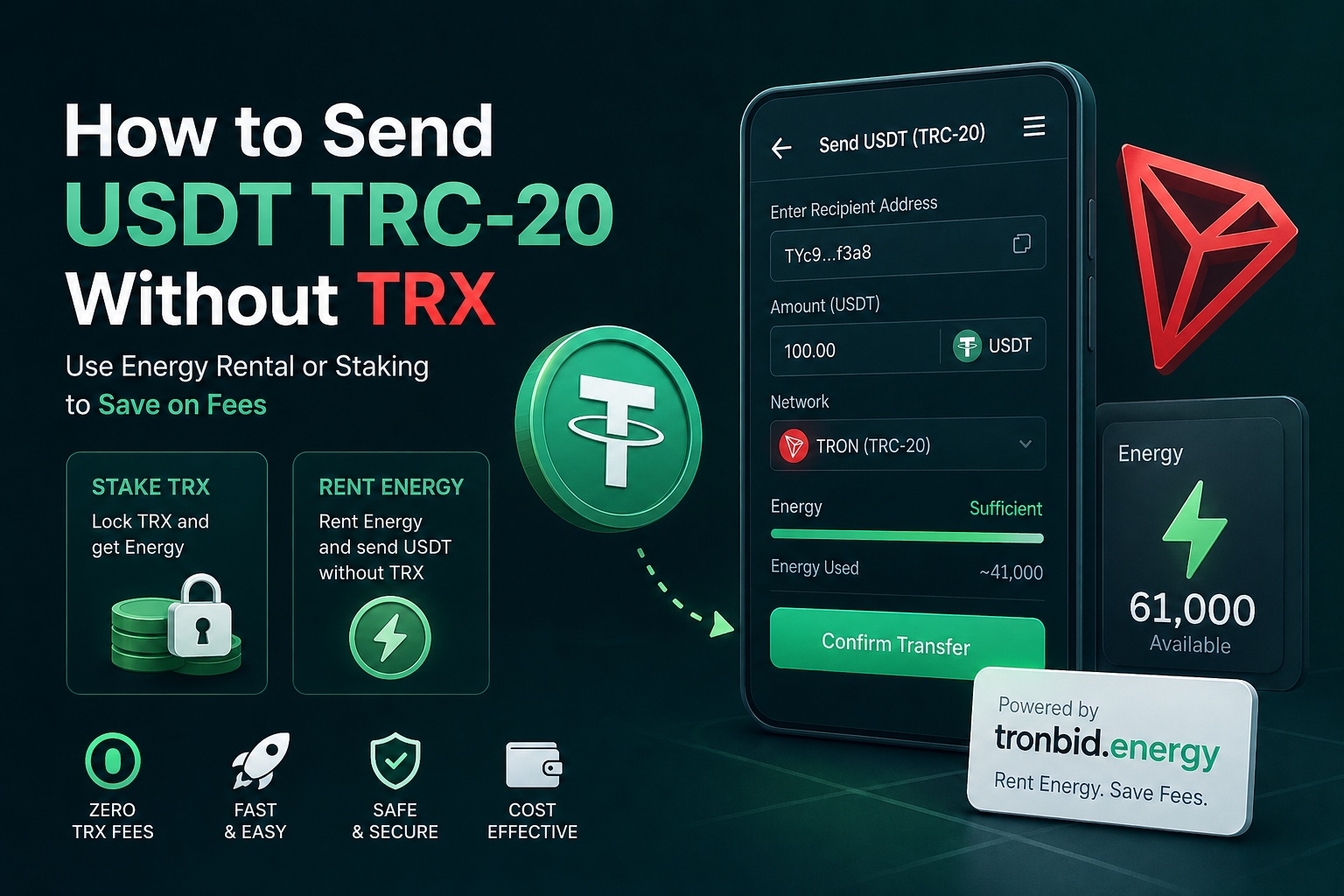
If you searched for “how to send USDT without TRX for network fee,” the practical answer is yes: a USDT TRC-20 transfer can be sent from a wallet holding 0 TRX when that address receives enough TRON Energy and Bandwidth before the transfer. The cost does not disappear; delegated or rented network resources cover it instead of TRX being burned from the sending wallet.
Why a USDT TRC-20 transfer asks for TRX
USDT on TRON is a smart-contract token, not a basic TRX transfer. Under the official TRON resource model, every transaction consumes Bandwidth, while a TRC-20 contract call also consumes Energy.
The network uses available resources first. If the sending address does not have enough Energy, TRX may be burned to cover the remaining execution cost. The TRON Energy documentation also explains why the exact requirement can change with contract state and the dynamic Energy factor.
- Bandwidth carries the transaction data.
- Energy pays for the USDT smart-contract execution.
- TRX is burned only when the address lacks the required resources.
- Receiving delegated Energy lets the sender keep a 0 TRX balance.
The fastest method when the sending wallet has 0 TRX
For a one-off transfer, rent or delegate Energy to the address that holds the USDT. You do not move the USDT to a service and you do not share access to the wallet. The wallet remains under your control; only a temporary network resource is delegated to its public address.
- 1Open the wallet that currently holds your USDT TRC-20 and copy its public TRON address. It normally begins with T.
- 2Open open Quick Rent and paste that address into the Energy recipient field.
- 3Use the TRON Energy calculator to choose a suitable Energy package and duration for the planned transfer.
- 4Pay TRX from any wallet. Energy or Bandwidth will go to the recipient specified in the order. No payment wallet selection is needed. Send the exact amount to the payment address shown in this order before it expires. Do not reuse a previous order’s payment address. Quick Rent
- 5Wait until the rented Energy appears on the USDT-holding address. Check the address and resource balance before sending.
- 6Return to your original wallet and send USDT TRC-20 to the intended recipient as usual.
- 7Confirm the result on TronScan. If you have not used the explorer before, follow the TronScan transaction guide.
Do not confuse the Energy recipient with the USDT recipient
The Energy recipient is the wallet that signs and sends the USDT transaction. The USDT recipient is the destination wallet that receives the tokens. In most cases these are two different addresses. Sending Energy to the final token recipient will not help the sending wallet pay for contract execution.
How much TRON Energy is needed to send USDT?
There is no safe universal number for every USDT transfer. Energy consumption can vary with the current contract Energy factor, the sending account, the receiving account, and the transaction path. A figure copied from an old article or screenshot may be too low today.
- Estimate immediately before the transfer rather than relying on an old fixed number.
- Make sure the estimate is for USDT TRC-20, not a simple TRX transfer.
- Allow a reasonable margin so a changing requirement does not cause a failed transaction.
- Verify that the delegated Energy has arrived before pressing Send.
The safest starting point is the TRON Energy calculator. For the underlying fee logic, see the TRON transaction fee documentation.
Four ways to send USDT when you do not want TRX in the wallet
1. Rent delegated Energy for a single transfer
Best for an urgent or occasional transfer. Another account delegates Energy to your public address for a limited time. You retain control of the wallet and use the resource when the USDT contract executes.
2. Let another wallet fund the Energy order
The USDT wallet can remain at 0 TRX while a second wallet pays for its Energy. This is useful when your funds are stuck in a wallet that contains USDT but no native TRX.
3. Stake TRX and delegate resources
Staking can suit frequent senders who already hold enough TRX and understand the lock and unstaking rules. It is less convenient for a person trying to make one immediate transfer from an empty-TRX wallet.
4. Use a wallet or provider with a sponsored gasless flow
Some products let a user pay a service charge in USDT while the provider handles the underlying network resources. That is a different payment model, not a fee-free TRON transaction. Check supported wallets, the displayed charge, custody requirements, and security before proceeding. Read the gas-free USDT transfer guide for the trade-offs.
What to do if the wallet still says “not enough TRX”
A warning in the wallet does not always mean the delegated resource is unusable. Some interfaces show a generic fee estimate before they refresh the account resources. Check the following in order:
- 1Confirm that Energy was delegated to the exact address holding the USDT, with no copied-character mistake.
- 2Refresh the wallet and verify the account on TronScan instead of trusting a stale screen.
- 3Check that the rental has not expired and that another contract call did not consume it first.
- 4Recalculate the current requirement; the original package may be insufficient for this execution.
- 5If the transaction failed with FAILED_OUT_OF_ENERGY, use the FAILED_OUT_OF_ENERGY troubleshooting guide before trying again.
Energy, Bandwidth, and the network fee: common misconceptions
- Energy is not a token and cannot be transferred like USDT. It is an account resource used during contract execution.
- A 0 TRX wallet can send USDT only after sufficient resources or sponsorship are arranged.
- The amount of USDT being sent does not directly set the Energy cost; contract execution does.
- A successful transfer today does not guarantee that the same resource amount will be sufficient later.
- Energy and Bandwidth are separate resources. The Energy vs Bandwidth guide explains how they work together.
Safety checklist before sending
- Use only the public TRON address to receive delegated Energy.
- Never enter a seed phrase, private key, keystore, or wallet password into an Energy rental page.
- Verify that both wallets and the exchange destination support USDT on TRON (TRC-20).
- Check every address character, especially when copying from messages or clipboard history.
- Review the rental duration and price before paying from another wallet.
- Avoid offers that promise impossible free resources or ask for wallet recovery data; see the TRON Energy safety guide.
If the destination is new to you, a small test transfer can reduce address and network-selection risk, although it will consume its own resources. Balance that extra check against the additional fee or Energy requirement.
Does this work with TronLink, Trust Wallet, and other wallets?
Delegated Energy belongs to the TRON account, not to a particular wallet application. If TronLink, Trust Wallet, or another compatible wallet controls the same address, the account can use available resources when it signs the USDT contract call. The interface and warning messages may differ, so verify the account on-chain when in doubt.
Final answer
You can send USDT TRC-20 from a wallet with no TRX balance by arranging enough Energy and Bandwidth for that sending address first. For occasional transfers, renting delegated Energy and paying from another wallet is usually the clearest path. For frequent activity, compare rental costs with staking and your expected transaction volume.
- Energy goes to the wallet that holds and sends the USDT.
- A separate wallet can pay for the Energy order.
- Estimate current requirements immediately before sending.
- Verify the resource and transaction on-chain.
- Never share keys or recovery words.
Ready to proceed? open Quick Rent or compare the expected cost in the TRON Energy calculator first. For broader savings strategies, continue with the USDT TRC-20 fee-saving guide.
When you are ready to make the transfer, check the live TRON Energy rental options for the sending wallet.